
Midjourney V8 is Here: 5x Faster, Native 2K, and It Finally Spells Correctly

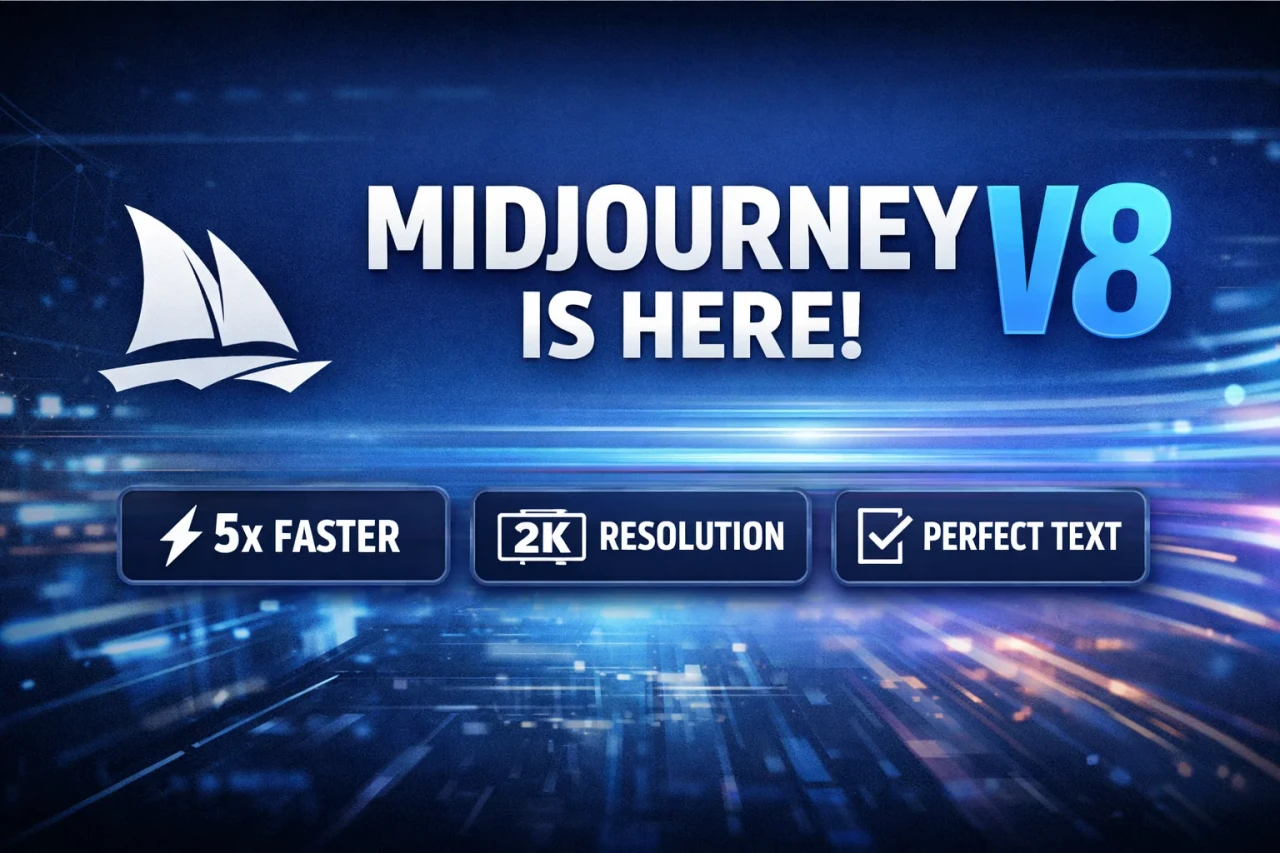
Midjourney V8 is here with 5x faster image generation, native 2K output, and significantly improved text accuracy. Explore new features, pricing changes, and expert prompting tips to get the best results from this powerful update.
Midjourney has officially opened community testing for the early alpha version of its highly anticipated V8 model. Available now on alpha.midjourney.com, V8 represents a massive leap in speed, prompt adherence, and resolution. Because this is an entirely new architecture, your old prompting habits might not work the same way. Here is everything you need to know to get the most out of V8 today.
The Core Upgrades (What's New?)
Blazing Fast: Image generation is now approximately 5x faster than previous models.
Text Rendering: V8 is significantly better at generating accurate text. (Tip: Always put your desired text inside "quotes").
Deep Personalization: The model has vastly improved how it understands your specific aesthetics through personalization, style references (--sref), and moodboards.
Prompt Adherence: It is much better at following long, highly detailed, and specific directions while still retaining Midjourney's signature "surprise" factor.
New Modes & Supported Parameters
V8 launches with full support for multiple aspect ratios, --chaos, --weird, --exp, and --raw. It is also fully backwards compatible with your V7 personalization profiles, moodboards, and srefs.
Two Brand New Commands:
--hd Mode: Natively renders images at a stunning 2K resolution.
--q 4 Mode: Use this if you need a little bit of extra coherence and detail in your render.
Web Interface Overhaul
To keep up with the 5x generation speed, the web UI has been upgraded:
Grid Mode: Allows you to focus on a single, large set of images.
Conversation Mode: Improved flow so you can just "talk" to the prompter.
Sidebar Settings: All settings have been moved to sidebars so you can tweak parameters without blocking your view of the canvas.
The Catch: Pricing & Current Limitations
Because this is an early alpha, there are some heavy compute constraints:
No Relax Mode (Yet): Relax mode is currently unsupported while Midjourney builds a new server cluster for it.
The "4x" Cost: Using the heavy features—specifically --hd, --q 4, --sref, and Moodboards—will take 4x as long to generate and will cost 4x the fast hours/credits compared to regular V8 jobs.
Pro-Tips for Prompting in V8
The developers noted that the "default" aesthetic of V8 is still being tuned. To get the best results right now, you should heavily rely on stylization systems:
For Photorealism: If you want a standard photo or a more "in control" look, switch to --raw immediately.
Crank the Stylize: Do not be afraid to push your personalization to the absolute limit. The devs recommend cranking it all the way to --stylize 1000.
Be Verbose: V8 shines the brightest when you use longer, highly specific prompts rather than short, vague keywords.
How You Can Help
Midjourney relies on community feedback to tune the model before the official launch. You can help by rating your images in the lightbox (Click "I like this image" or "I don't like this image").
Shortcut: Use the 1 / 2 / 3 hotkeys and arrow keys to rate images rapidly.
Commonly Asked Questions
Q: Where can I actually use V8 right now?
A: V8 is currently in an early testing phase. You can access it by going to the upgraded web interface at alpha.midjourney.com and selecting V8 from your settings or adding --v 8 to your prompts.
Q: How do I get V8 to generate actual, readable text?
A: It is much easier now! Just put the exact words you want inside double quotes within your prompt. For example: A neon sign in Tokyo that says "OPEN LATE".
Q: Why are my generations suddenly draining all of my premium credits?
A: Because this is an early test on new servers, Relax mode is temporarily disabled. Every generation uses your Fast Hours. Furthermore, if you use heavy-duty features like --hd (2K resolution), --q 4 (extra coherence), Style References, or Moodboards, the job will cost 4x the normal amount of credits and take 4x as long to render.
Q: Why do my old, reliable V6 prompts look bad in V8?
A: V8 is a completely new "brain." It no longer responds well to a giant list of keywords separated by commas (e.g., "cyberpunk, 8k, hyper-detailed, neon"). V8 wants you to write in full, descriptive sentences and explicitly state where things should be placed in the image.
Q: I just want a photorealistic image, but V8 keeps making it look like a painting. How do I fix this?
A: The "default aesthetic" for V8 is still being tweaked by the developers. If you want a plain, unopinionated, or highly photorealistic look, you should immediately add the --raw parameter to the end of your prompt.