
Your Spreadsheets Just Got a Brain: Claude's New Excel Integration is Here
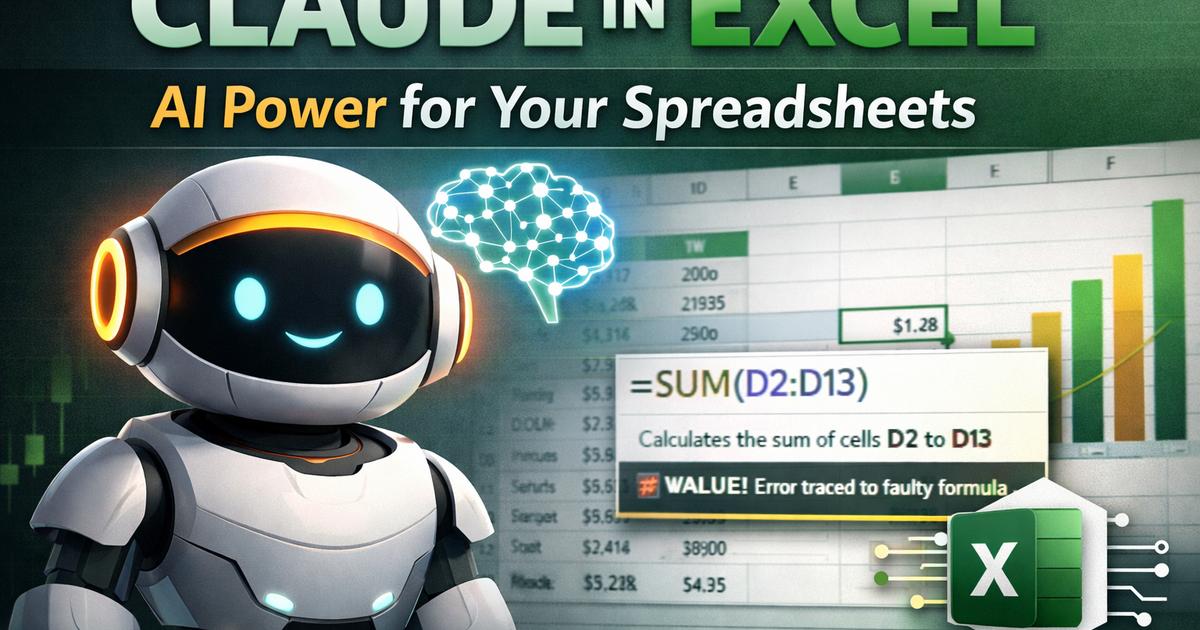
Claude now lives directly inside Microsoft Excel. Read your entire workbook, debug errors instantly, and build financial models from scratch. Available for Claude Pro, Max, Team, and Enterprise users.
# Your Spreadsheets Just Got a Brain: Claude's New Excel Integration is Here
No More Guessing: Claude Now Lives Directly Inside Microsoft Excel
Anthropic has just released a game-changing research preview: Claude in Excel. For anyone who has ever stared at a #REF! error until their eyes crossed or inherited a "Frankenstein" spreadsheet with 50 tabs, this is the update you've been waiting for.
Available now for Claude Pro, Max, Team, and Enterprise users, this integration allows Claude to "read" your entire workbook—including nested formulas and hidden dependencies—to act as your personal financial analyst and debugger.
The 4 Superpowers Claude Brings to Your Cells
1. Cell-Level "X-Ray" Vision
Stop hunting through tabs to find where a number comes from. You can ask Claude about any specific cell, and it will explain the logic with cell-level citations. It's like having the person who built the model sitting next to you, explaining exactly how the math works.
2. Scenario Testing (Without the Heart Attack)
Want to see what happens if revenue grows by 5% instead of 2%?
The Magic: Claude can update assumptions across the entire model while preserving your formulas.
The Safety: It highlights every change it makes and explains the impact, so you don't have to worry about a "ghost in the machine" breaking your terminal value.
3. The Ultimate Debugger
Tracing #VALUE! or circular reference errors are usually a nightmare. Claude can trace these errors to their source in seconds, explaining exactly what broke and how to fix it without disrupting the rest of your sheet.
4. Model Building from Scratch
You can ask Claude to build a draft financial model from a blank sheet or fill out an existing template with new data. It maintains the structure and formatting you already use, so it feels like professional work, not an AI "hallucination."
How to Launch It
Once installed, you can summon Claude instantly using these shortcuts:
Mac: Control + Option + C
Windows: Control + Alt + C
Commonly Asked Questions
Q: Can Claude see all my tabs at once?
A: Yes. Unlike standard AI that only sees what you "copy-paste," this integration understands the entire workbook, including dependencies and formulas that jump between different tabs.
Q: Is my sensitive financial data secure?
A: Claude in Excel is built to work within your existing Enterprise security and compliance frameworks. For Team and Enterprise users, Anthropic's standard privacy rules apply, meaning your data isn't used to train the global model.
Q: What file types are supported?
A: Currently, it supports .xlsx and .xlsm (macro-enabled) files. Note that file size limits apply depending on whether you are on a Pro, Max, or Enterprise plan.
Q: Will Claude overwrite my formulas with hardcoded numbers?
A: No. One of Claude's core strengths in this mode is formula integrity. It is designed to update data and assumptions while keeping your original Excel logic and structure intact.